Scheduler
Pro Screen Shots (click to enlarge) - Feature Highlights
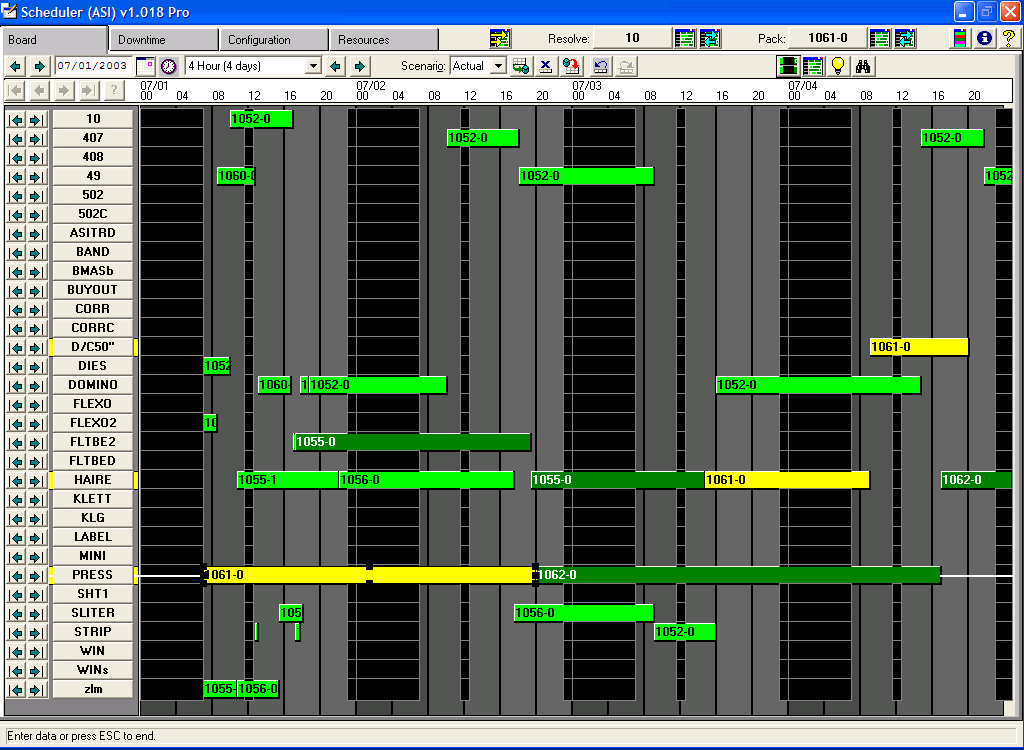
Schedule Board
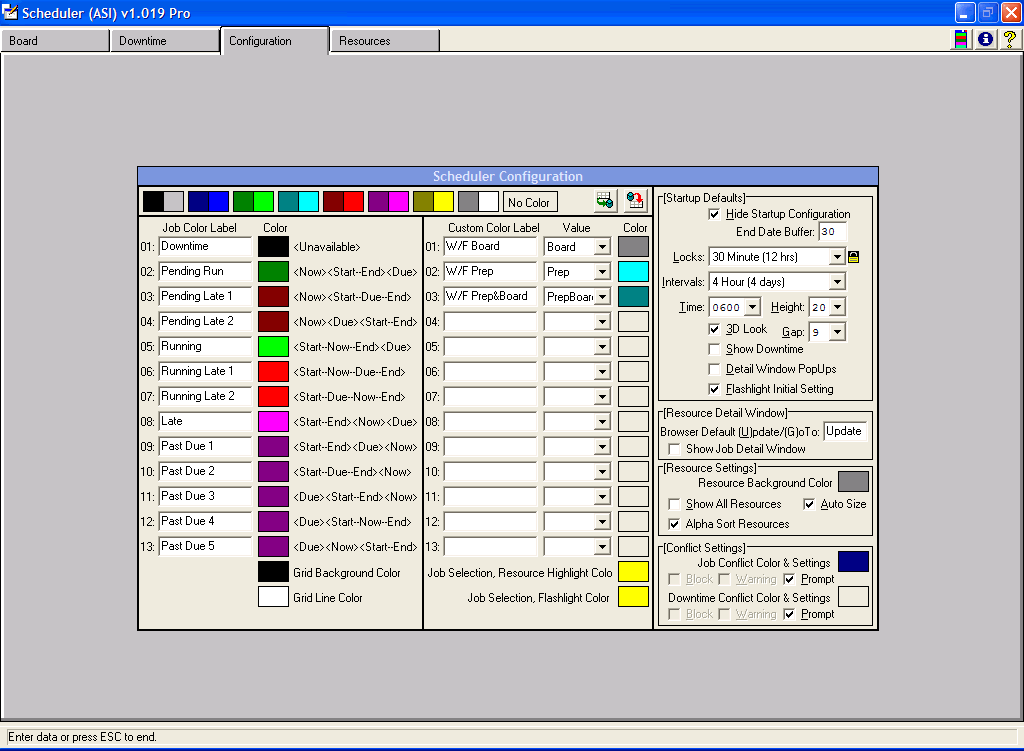
Configuration
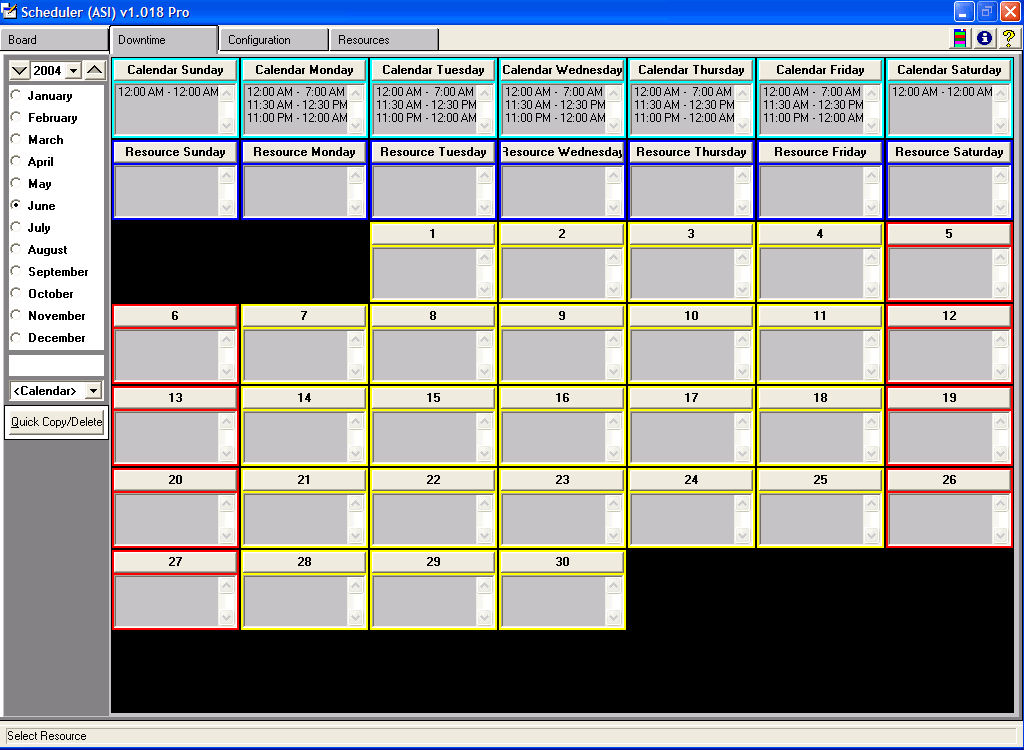
Downtime Calendar
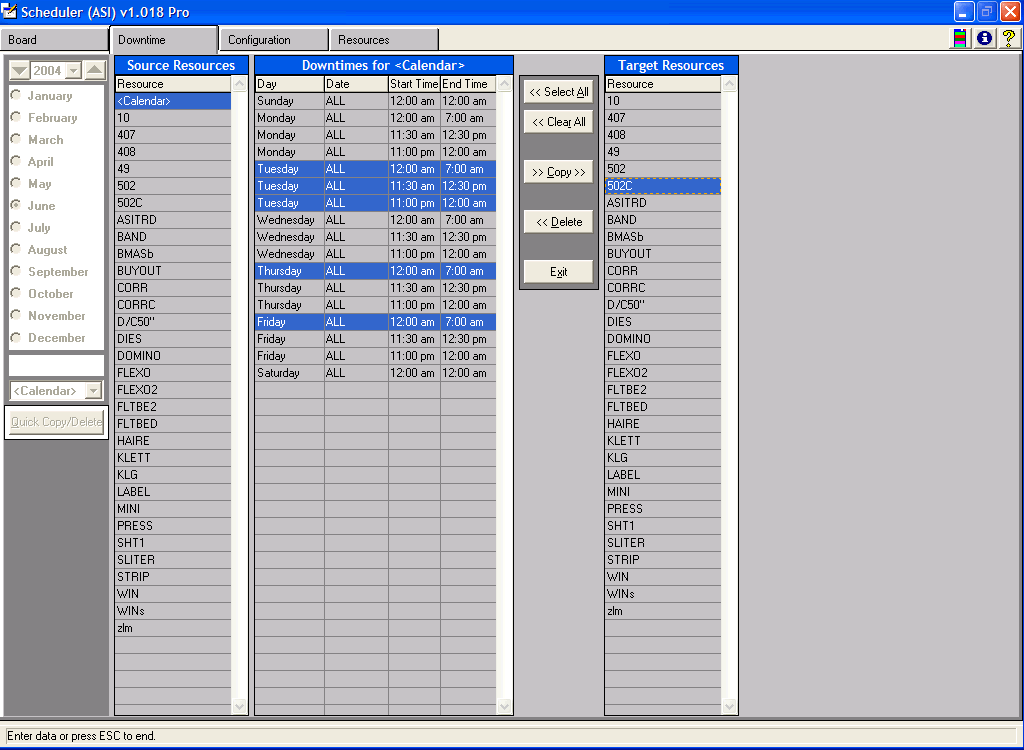
Downtime Quick Copy/Delete
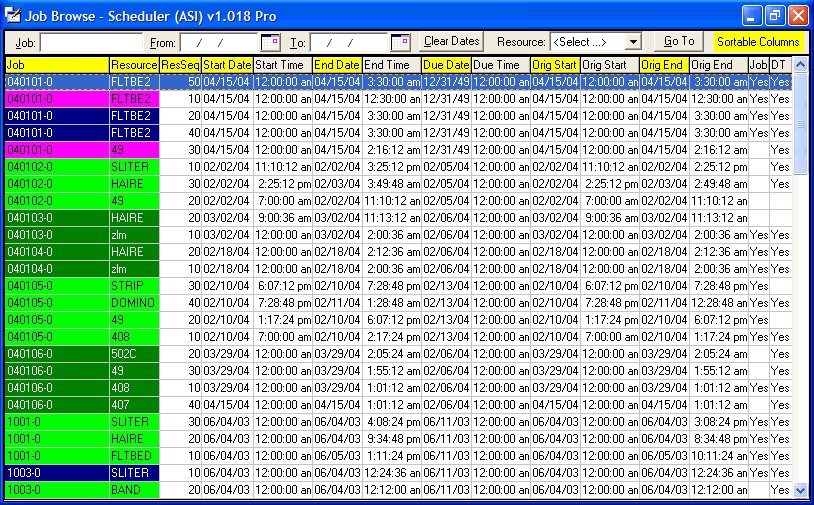
Job Browse
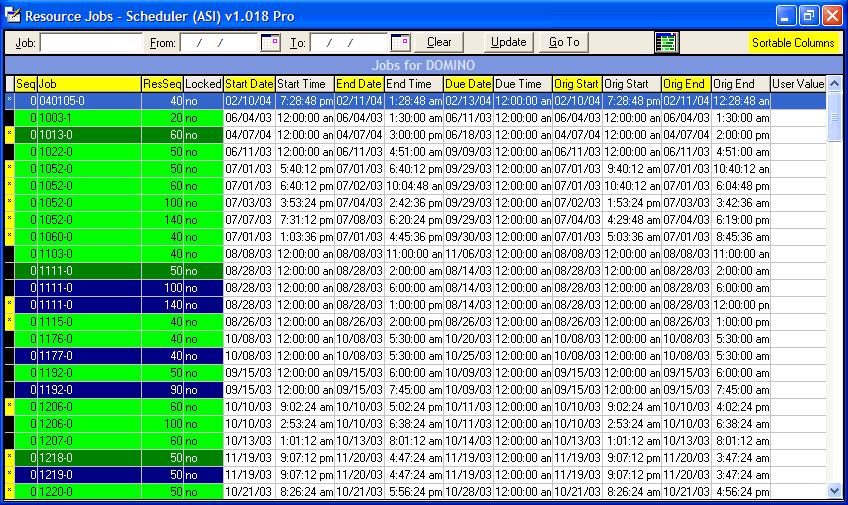
Resource Jobs
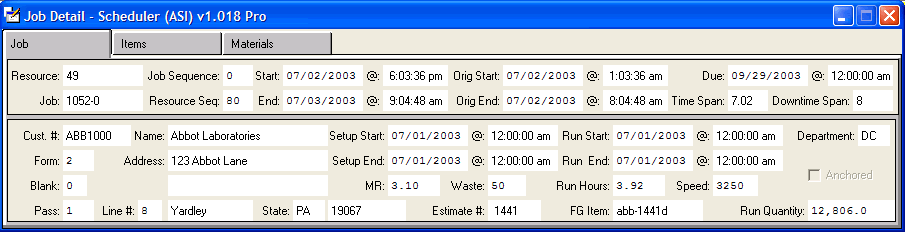
Job Detail
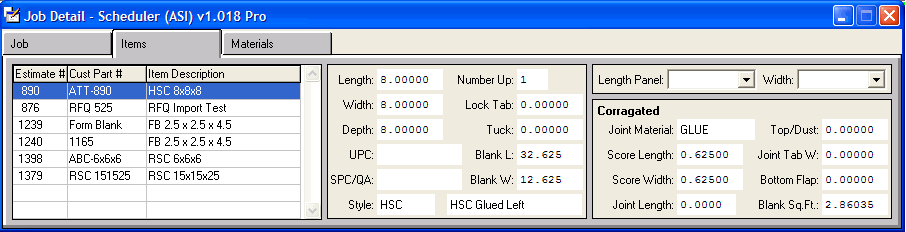
Job Items Detail
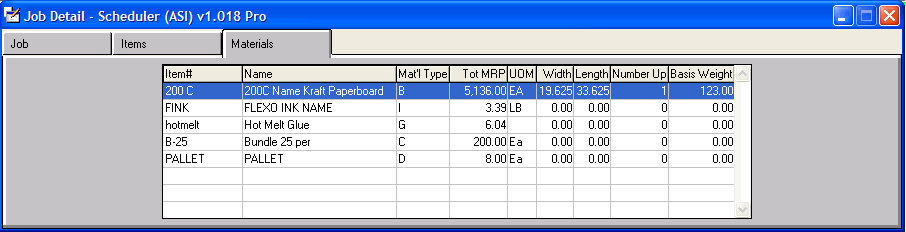
Job Materials Detail
- view schedule grid from 1 minute intervals to 24 days
- drop and drag jobs within resource or move to another resource
- auto resolve job conflicts with other jobs or downtimes
- auto optimize job schedules by job, by resource visible board or entire board
- quickly browse to any job by start, end ,original date or resource
- quickly set job sequence by resource
- lock jobs in place with one click
- save and retrieve any number of scenarios for "whatif" functionality
- redo and undo any changes to repositioned jobs
- add downtimes that universally apply for all days for all resources with only one entry
- add downtimes that universally apply for all days for a selected resource with only one entry
- add downtimes that are date specific for all resources or selected resources
- quickly mass copy existing downtimes from one resource to another
- quickly mass delete existing downtimes with just a few clicks of the mouse
- hide/show downtime on board with one click
- custom set color codes to represent status of jobs on the board
- enable/disable startup features for board's default behavior
- access job and resource detail viewers with only one click
- reposition board to any resource's first and last job with one click
- repostion board to any desired date with one click
- click a job and see the job highlighted across all the resources (see yellow bars in image example)
- view all resources any job is associated (see yellow highlights around the resource buttons in image example)
- current version is configured to work with Advanced Software's AdvantzWare system
- authored by same development team that designed the toolkit utilities Advanced Software used to create their current release of AdvantzWare
- current version is configured to work with Foresight's MXP/Decades Service Order module
- future release of other MXP/Decades modules under development
- Scheduler Pro can be adapted to any Progress environment
- Inquiries, Questions or Comments: Ron@TheStarkGroup.com